Product listing images that sell: a guide for marketplace sellers
On a marketplace, buyers scroll fast. Your images decide whether they stop. A strong image set answers their questions before they read a word.
Start with the main image
Clean, bright and focused on the product. Amazon requires a pure white background for the main image, and a clean background works well on eBay and TikTok Shop too. The product should fill most of the frame.
Build a full set
- Angles: front, back, side and any important detail.
- Scale: show the product in a hand or next to a familiar object so size is obvious.
- Lifestyle: the product in use, in the setting your buyer imagines.
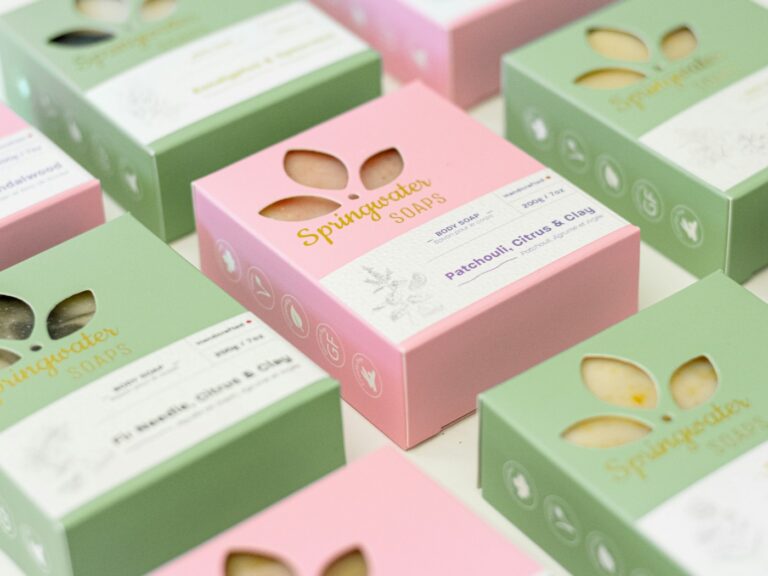
- Infographic: key features and benefits as short callouts on the image.
- What is included: everything in the box, laid out clearly.
Write for the scroll
Text on infographics should be short and large enough to read on a phone. Three to five words per callout is plenty.
Use high resolution
Large images let buyers zoom in. Upload at a high resolution and check each platform’s minimum size.
Stay consistent
Use the same fonts, colours and layout across your listings. Consistency makes a small seller look like an established brand.
Test and improve
If a listing gets views but few sales, the images are often the reason. Try a new main image or add a clearer infographic and watch the difference.