TikTok Shop for beginners: setting up your shop step by step
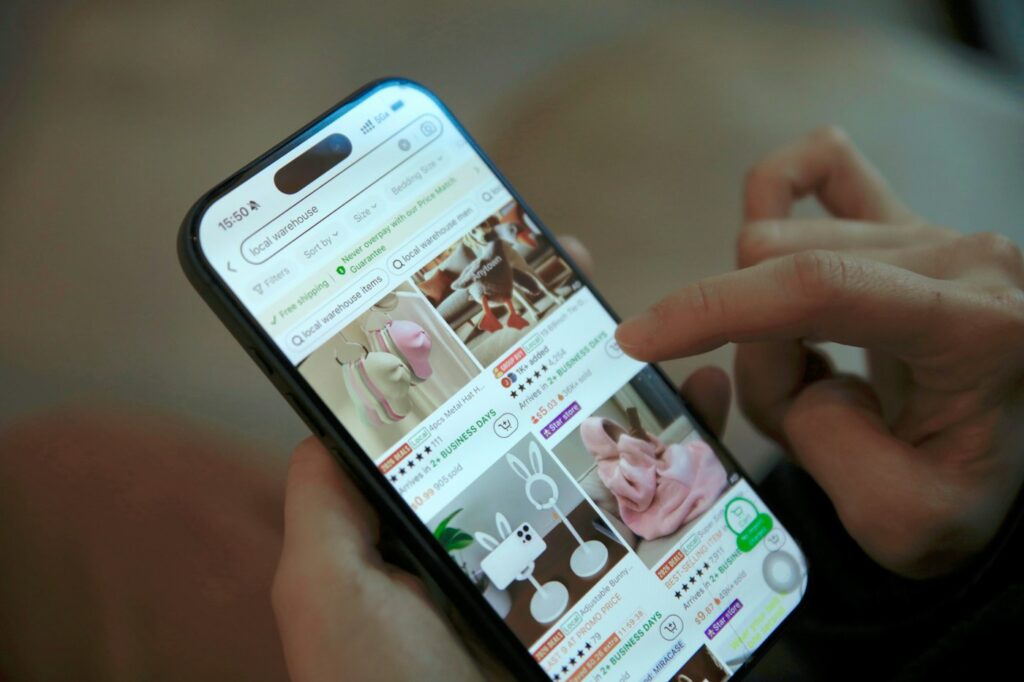
TikTok Shop lets people buy products without leaving the app, straight from videos, LIVE streams and the shop tab. For sellers, that means you can reach buyers at the exact moment they are interested.
1. Check you are eligible
Requirements differ by country. You will usually need a registered business or verified identity, a bank account in the same market, and a local or approved warehouse address. Check the seller centre for your market before you start.
2. Register and verify
Sign up on TikTok Shop Seller Center, submit your business documents and wait for verification. Make sure names and addresses match exactly across every document to avoid delays.
3. Set up shipping and returns
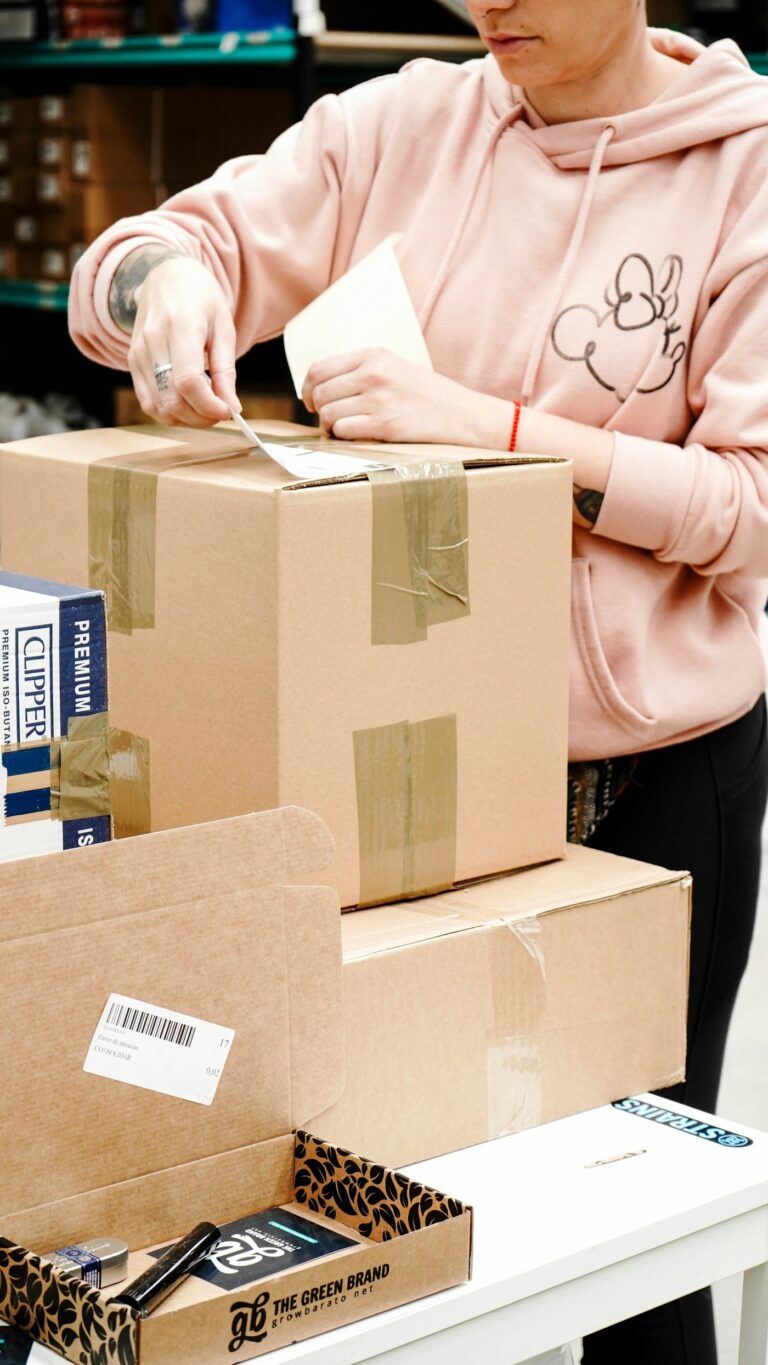
Create shipping templates, set your dispatch times and write a clear returns policy. Fast dispatch matters: late shipments hurt your shop rating.
4. List your products
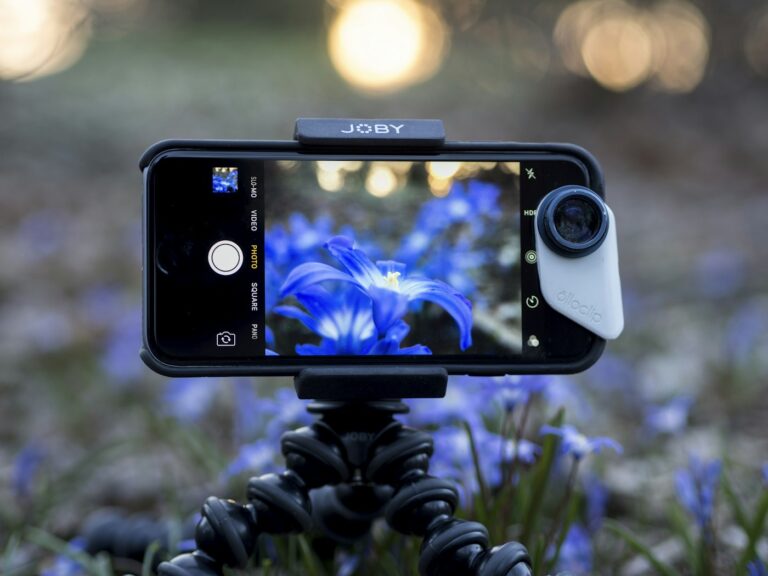
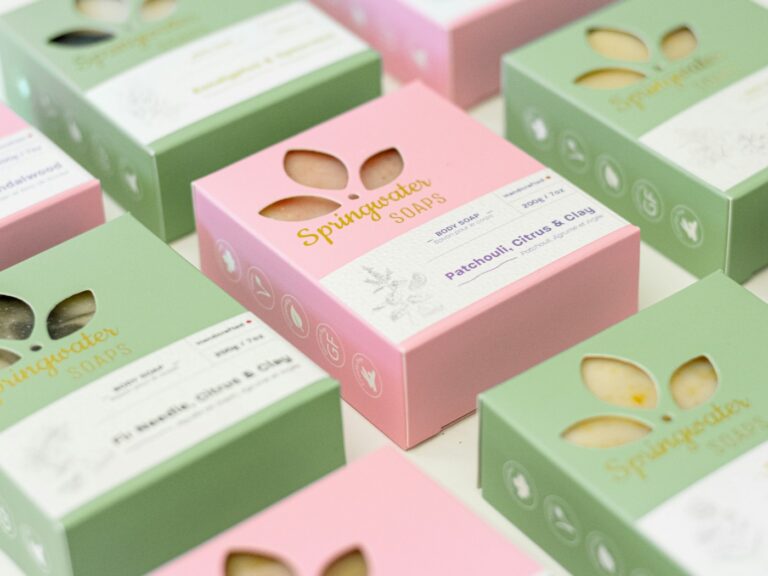
Write clear titles with the words buyers search for, use bright, simple images and add short product videos where you can. Accurate descriptions reduce returns.
5. Link your TikTok account
Connect a TikTok account so you can tag products in your own videos and LIVE streams.
6. Get your first sales
- Post short videos that show the product being used, not just displayed.
- Invite affiliate creators to promote your products for commission.
- Try a LIVE session once you have a few products and some content.
Which model works on TikTok Shop?
Dropshipping, white label, private label and wholesale can all work, as long as you can ship on time. Products that are visual, easy to demonstrate and impulse-friendly tend to do best.